Centralize Root account for Organization member Accounts
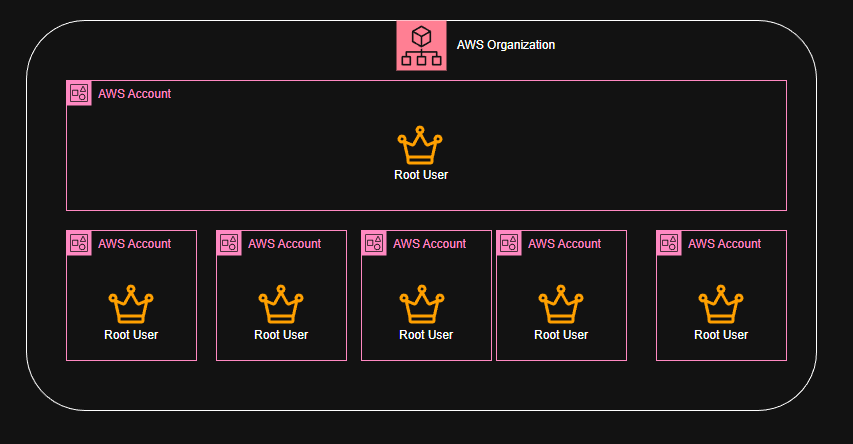
AWS in 2025 released what Cloud security engineers call "a more-secure solution for the root accounts". In a nut-shell, before now each AWS account that is part of an AWS Organization has a root account that are assigned to the account that has absolute control/access to all AWS services and resources in those account.
Now with this new release you can now combine all the AWS account in an AWS Organization to a central management that would be centrally controlled by a delegate root supremo. Once the consolidation is completed, a numbers of activities can be carried out such as:
- Deleting the root user credentials from other members accounts in the AWS Organization.
- Remove the root user's password, access keys.
-
Deactivate their multi-factor authentication (MFA).
-
New accounts that are added to the AWS Organization, wouldn't have a root user credentials by default.
Getting Started
To get started there are some prerequisites that MUST be preconfigured before proceeding:
- You definitely should have an AWS Account. More than one AWS Account is preferred.
- Have an AWS Organization already configured.
- You must have the following IAM permissions:
  iam:GetAccessKeyLastUsed

  iam:GetAccountSummary

  iam:GetLoginProfile

  iam:GetUser

  iam:ListAccessKeys

  iam:ListMFADevices

  iam:ListSigningCertificates

  sts:AssumeRoot
- You must have the following permissions to enable this feature in your organization:
iam:EnableOrganizationsRootCredentialsManagement

iam:EnableOrganizationsRootSessions

iam:ListOrganizationsFeatures

organizations:EnableAwsServiceAccess

organizations:ListAccountsForParent

organizations:RegisterDelegatedAdministrator
To ensure optimal console functionality, we recommend enabling the following additional permissions:
organizations:DescribeAccount

organizations:DescribeOrganization

organizations:ListAWSServiceAccessForOrganization

organizations:ListDelegatedAdministrators

organizations:ListOrganizationalUnitsForParent

organizations:ListParents

organizations:ListTagsForResource
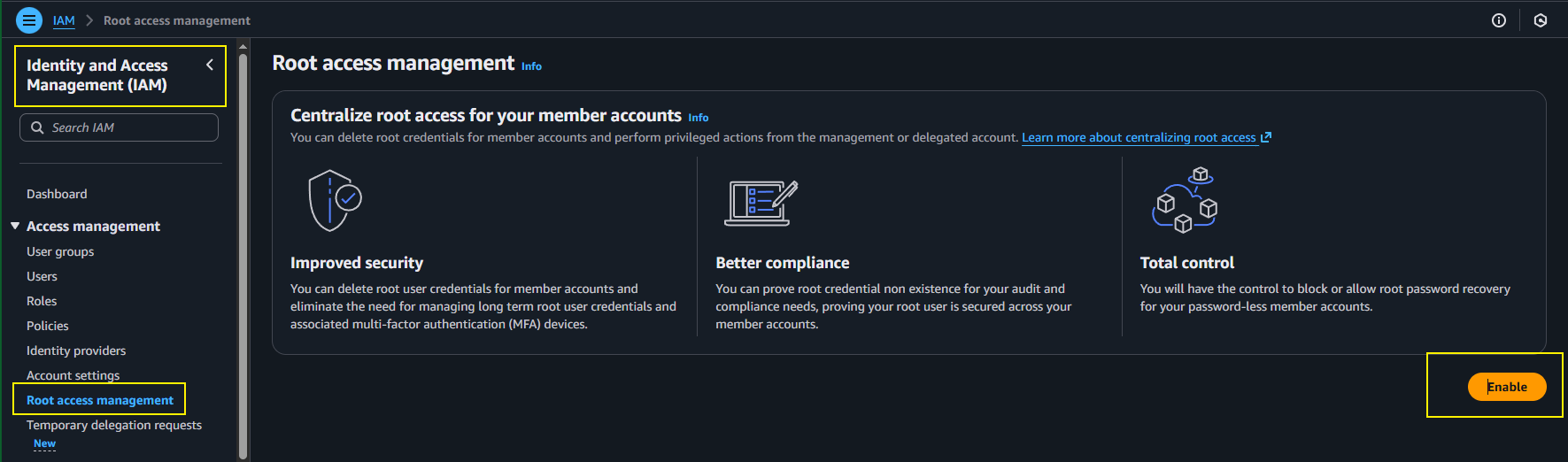
Using the Console:
Once you are at the IAM portion on the AWS Console
Enable Centralized root access Management by clicking Enable.